5 min read
What Makes a Photo Work Well for a Personalized Book
A practical guide to choosing the photo for your child's personalized storybook: lighting, angle, expression, and the common mistakes to avoid.
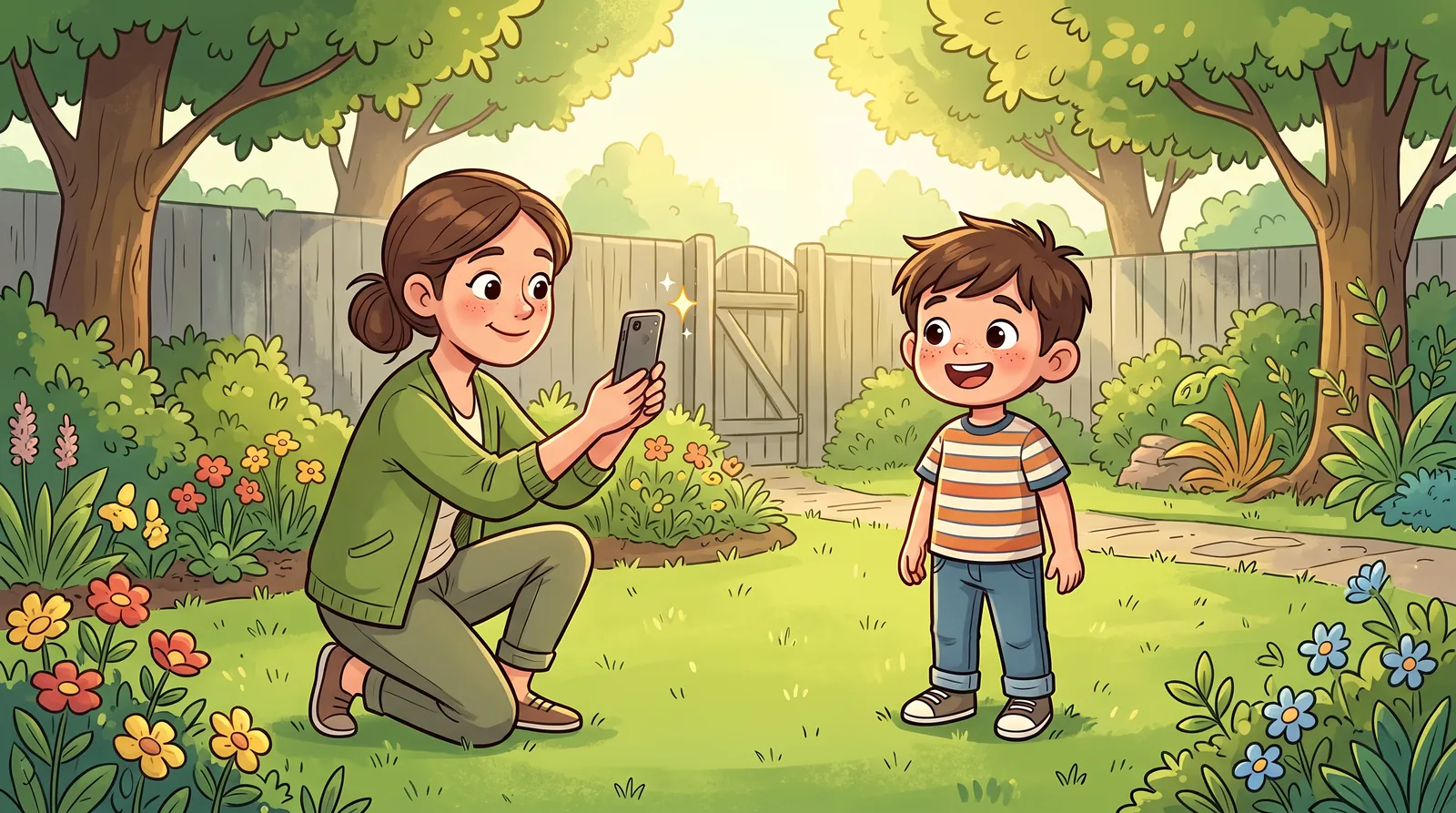
When you create a StoryMagic book, everything starts from one photo. Our face-personalization technology studies your child's face in that photo and blends it into the illustrated hero on every character page — so the better the photo shows their face, the better your child looks throughout the book.
The good news: you almost certainly already have the right photo on your phone. No studio, no special camera, no editing. Here's what actually matters, and what doesn't.
The four rules that matter most
If you remember nothing else, remember these — they're the same tips our upload step shows, because they solve almost every problem we see:
- Face the camera straight on, with both eyes visible. The technology maps facial features, and a head-on view gives it the most to work with. A slight tilt is fine; a full profile is not.
- Bright, even light — daylight is perfect. Stand your child facing a window, or step outside on an overcast day. Even light on both sides of the face beats any fancy setup.
- Just one child in the photo. If several faces are visible, the system can't know which one is your hero. Crop a group shot down to your child first if that's the photo you love.
- Nothing covering the face. No sunglasses, no hats casting shade, no hands mid-wave in front of a cheek. Regular glasses are usually fine if the eyes are clearly visible.
Expression: aim for the face you want on every page
Here's the part most parents don't think about until they see the preview: the expression in your photo influences the hero's face throughout the book. A warm, natural smile translates into a happy, alive-looking hero on every page. A mid-laugh shot with scrunched eyes, or a solemn stare, carries that mood into the illustrations.
Think "passport photo, but smiling": relaxed, mouth closed or gently smiling, eyes open and looking at the camera. If your child is at the age where a requested smile produces a grimace, try catching them just after a laugh instead of during it — or let them look at something they love just behind the camera.
The technical bits (there aren't many)
Modern phone photos are more than good enough — resolution is almost never the problem. A few practical notes:
- We accept JPEG, PNG, WebP, and HEIC files up to 10MB — so iPhone and Android photos work as-is, no conversion needed.
- Use a recent photo. Children change fast; a photo from six months ago can make the hero look subtly "off" to you, even if no one else notices.
- Sharpness beats resolution. A slightly blurry photo of a moving toddler is worse than a crisp photo from an older phone. Pick the frame where the face is in focus.
- Avoid heavy filters and edits. Skin-smoothing, cartoon filters, and strong color grading distort the very features the technology needs to read.
- Avoid photos of photos. A phone snap of a framed print or a school-photo sheet adds glare, moiré patterns, and color casts. If the picture only exists on paper, a flat, glare-free scan works far better.
What happens to the photo you upload
Because it's a photo of your child, it's worth saying plainly: the photo you upload is stored in private, access-controlled storage and used only to create your book. It is never used to train AI models, never shared for marketing, and never made public — and you can delete it from your dashboard whenever you like.
That also means you can experiment freely. Trying three different photos to see which makes the best hero doesn't scatter your child's pictures around the internet; it just gives you three previews to compare.
Common photos that don't work (and easy fixes)
These are the ones we see most often, and each has a simple fix:
- The backlit window shot — child in front of a bright window, face in shadow. Fix: turn them around so they face the window.
- The sun-squint — outdoor photo in harsh midday sun, eyes screwed shut. Fix: move to open shade or wait for softer light.
- The action blur — mid-jump, mid-run, mid-spin. Adorable, but soft. Fix: choose a calmer frame from the same day.
- The costume photo — face paint, superhero masks, novelty sunglasses. Fix: save it for the fridge and pick a plain-faced photo; the book supplies the costume.
- The far-away shot — child tiny in a big scene. Fix: crop in so the face is a good portion of the frame before uploading.
You'll see the result before you spend anything
Here's the safety net: after you upload a photo and pick a story, you see a free preview of your child as the story's hero before paying. If the hero doesn't quite look right, swap in a different photo and the preview regenerates. No commitment, no wasted print.
So don't agonize over the choice. Grab the clearest, happiest, front-facing photo in your camera roll, upload it, and judge the real result with your own eyes. Most parents nail it on the first try — and the ones who don't just try a second photo two minutes later.